What is HyperDown? Markdown → SQLite Full-Text Search, SSR-Only
Add real full-text search to your site with no backend, no API, and no CMS server. HyperDown turns a folder of Markdown/MDX into a typed, searchable SQLite layer that ships inside your build — here is why you'll want it and how to start in minutes.
by Zau JulioJune 6, 202612 min read
What is HyperDown?
Want real full-text search on your site without standing up a single backend service?
That is the whole pitch. You write Markdown; HyperDown hands you a typed, searchable content
layer that ships inside your build and costs nothing to run.
HyperDown (
@indago/hyper-down) turns a folder of Markdown/MDX files into a typed,
full-text-searchable content layer — with no database service, no API, and no CMS
server. At build time it compiles your content's frontmatter into a compact,
contentless FTS5 SQLite index; at request time, server-side route loaders query that
index with bun:sqlite (or node:sqlite on Node ≥ 22, e.g. on Vercel). The browser
never sees a database.It is one of the two independent engines in the Indago toolkit. HyperDown owns
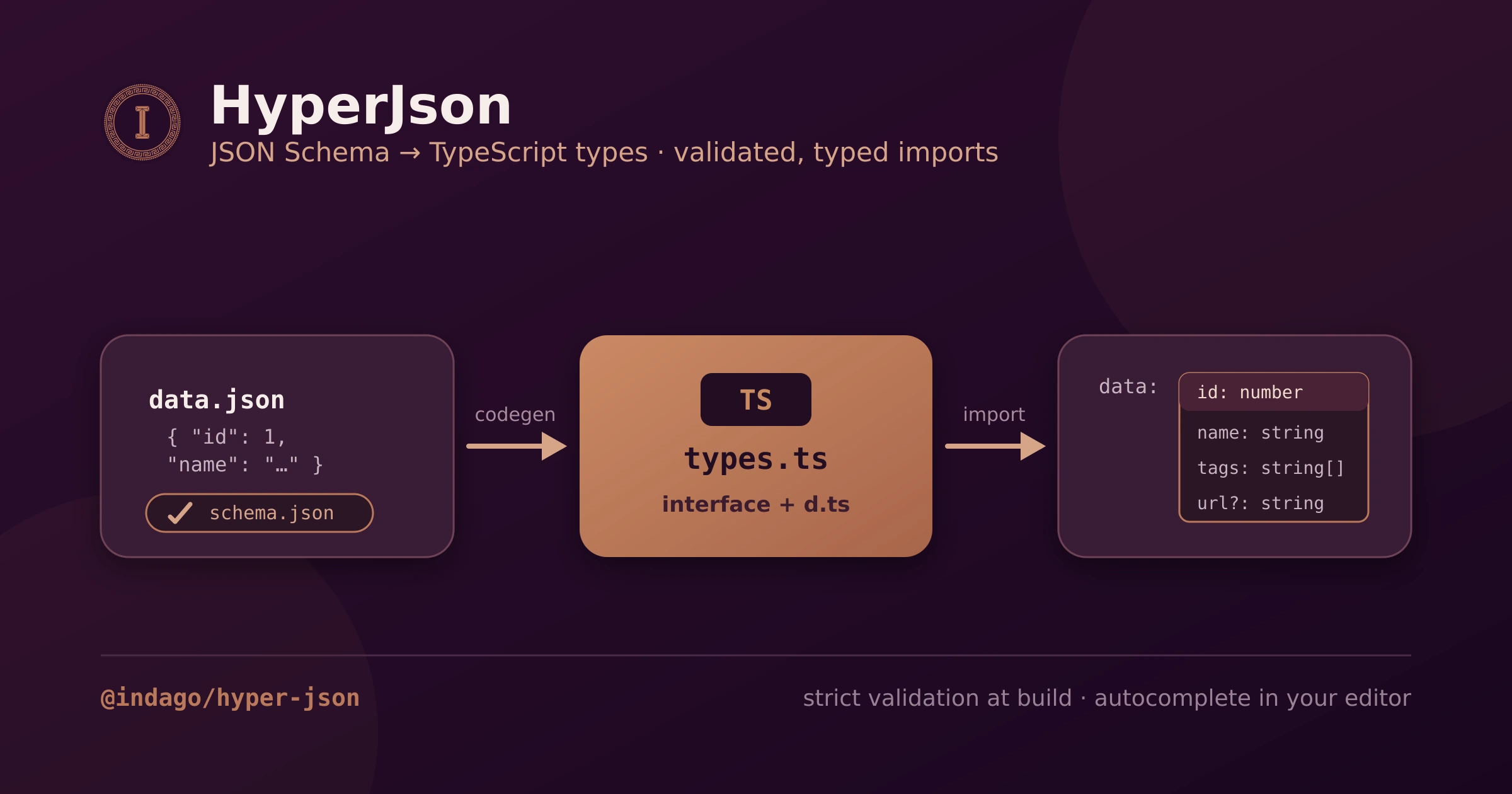
Markdown/MDX prose; its sibling HyperJson owns
structured JSON. They share no code — adopt one or both.
- What is HyperDown?
- Why HyperDown?
- The core idea: metadata in SQLite, body in globs
- Architecture: three build steps, two runtime paths
- Project layout: what you write, what gets generated
- The CLI
- The MCP server: agents as first-class authors
- The
.agents/pack - How it is tested
- The scaffolds: four frameworks, one contract
- Start building in five minutes
Why HyperDown?
Most "content sites" reach for a headless CMS, a hosted database, or a search SaaS — three
moving parts to provision, pay for, and secure just to publish some articles. HyperDown
deletes that entire tier. Here is what you get in its place:
- Real full-text search, zero infrastructure. FTS5 prefix search across titles, descriptions, and bodies — running from a SQLite file that ships inside your build. No Algolia, no Elasticsearch, no managed row sitting idle on your bill.
- Your content stays in git. Articles are just
.mdxfiles in a folder: review them in pull requests, diff them, branch them, revert them — the workflow your team already has. - Typed end to end, no drift. Frontmatter becomes a generated TypeScript interface, so a renamed field breaks the build, not production.
- A tiny, self-contained database. The FTS index is contentless — it stores tokens and
metadata, never the prose — so the
.dbstays small and travels with your deploy. Nothing to host. - Agent-ready out of the box. A bundled MCP server lets Claude Code or opencode scaffold content types and write articles for you. (This very post was created that way.)
- One layer, four frameworks. A single
bun create @indago/appruns the same content layer on Vike, React Router v7, TanStack Start, or Next.js.
If you publish Markdown and have ever thought "I just want search without running a server
for it" — this is built for you. The rest of this post shows how it pulls that off.
The core idea: metadata in SQLite, body in globs
HyperDown splits every piece of content in two:
- Frontmatter metadata (title, tags, date…) is parsed and persisted in SQLite —
one
.dbper content type. This is what search, filters, facets, and sorting run against. - The MD/MDX body is never stored in SQLite. It is compiled to a React component by
@mdx-js/rollupand loaded through a staticimport.meta.globmap that codegen writes into your app's.hyper-down/tree.
The FTS5 tables are contentless (
content=""): they hold only the inverted index,
never the original text. The body is tokenized into that index — so full-text search
reaches your prose — but it is never persisted, which keeps the .db tiny and the
"body never stored" invariant intact. tags and categories get extra treatment: they
are stored as JSON arrays in the metadata table, flattened into the FTS index, and
mirrored into an indexed <type>_tags bridge table so tag filters and facet counts stay
sargable (no LIKE scans, ever).Architecture: three build steps, two runtime paths
At build time (the Vite plugin's
buildStart, the hyperdown gen:db CLI command, or
the Next.js adapter):- Codegen writes idempotently into the app's
.hyper-down/tree: an ambient<Type>Metainterface (types.ts), a lazy<type>Repositoryproxy (builder.ts— thenewis deferred past module evaluation, which dodges a chunk init-order race in bundled SSR), a static eagerimport.meta.globmap of MDX bodies (modules.ts), and adefault.tsbarrel exportingcontentModules. - The writer parses every file's frontmatter through a parallel
read/parse/validate pool, then persists serially in a single transaction — emitting
one
.dbper content type: the metadata table, the<type>_tagsbridge, and the contentless FTS5 table. - On
closeBundle, every.dbis copied intodist/metadata/so the built output is self-contained — an SSR deploy reads the databases there without needing the sourcecontent/tree.
At runtime the paths are strictly split:
- Server (route loaders) —
ContentRepository<T>, exported only from@indago/hyper-down/server:search()(FTS5MATCH+ filters + sort + pagination),distinctValues()(facets for filter UIs), andgetMetaBySlug()(serializable metadata with locale fallback). The FTS match runs across all locales and maps back to slugs, so "slow" and "lenta" surface the same article, one row per slug in the requested locale. The.dbis opened read-only from disk, memoized across requests, with a prepared-statement cache. - Client (views) —
createContentResolver(contentModules[type])returnsgetContent(slug, lang), which resolves the lazy MDX component; render it withMdxRender. This path touches no database code, sonode:*built-ins never reach the browser bundle.
A real loader from a generated app — listing pages are URL-driven (
?q, ?tag,
?page, ?sort), so the server re-runs the query on every navigation:const [result, tags] = await Promise.all([
articleRepository.search({
locale,
searchQuery,
filters: activeTag ? { tag: activeTag } : {},
sort: { sortBy: "date", sortDir: "desc" },
pagination: { page, pageSize: 6 },
}),
articleRepository.distinctValues({ isJson: true, column: "tags", sortByFrequency: true }, locale),
]);
Project layout: what you write, what gets generated
A consuming app keeps content, config, and generated artifacts side by side:
my-app/
├── content/
│   └── article/                HyperDown collection
│       ├── en/hello.mdx        locale folders; slug = filename
│       └── pt-BR/ola.mdx
├── .hyper-down/                generated — DO NOT EDIT
│   ├── content/article/
│   │   ├── types.ts            ambient ArticleMeta interface
│   │   ├── builder.ts          lazy articleRepository (server-only)
│   │   └── modules.ts          static import.meta.glob of MDX bodies
│   └── default.ts              contentModules barrel
├── frontmatter.json            content-type definitions (Front Matter CMS format)
├── hyperdown.config.json       contentDir, sitemap, i18n
└── vite.config.ts              hyperdownMdxPlugin → framework → hyperdownPlugin
Two wiring rules matter:
hyperdownMdxPlugin() must be registered before the
framework plugins (it wraps @mdx-js/rollup and intercepts *.mdx?raw imports,
which MDX would otherwise compile despite the query string), and the SSR config keeps
bun:sqlite/node:sqlite external while bundling the package itself
(noExternal: ["@indago/hyper-down"]). After a build, dist/metadata/ holds the final
.db files — the deployable "result" of the content pipeline.The CLI
The
hyperdown binary ships with the package. Commands prompt interactively when flags
are omitted and are fully scriptable when they are not:| Command | Purpose |
|---|---|
init [target] | Scaffold hyperdown.config.json / frontmatter.json / both. |
validate [target] | Validate config and/or frontmatter against bundled schemas. |
update schemas | Re-download Front Matter CMS schemas and regenerate types. |
gen:db | Run codegen, then write the per-type SQLite databases. |
create-frontmatter | Create a fresh frontmatter.json with content types + i18n. |
create-content | Add a content type to an existing frontmatter.json. |
create-item | Create a new .mdx item in the right folder/locale. |
# Bootstrap
bunx @indago/hyper-down init both

# New content type — `req|opt` suffix is mandatory per field
bunx @indago/hyper-down create-content --name product --folder Products \
  --fields "title:string:req,price:number:opt,status:choice[draft|live]:req"

# New item, then regenerate the databases
bunx @indago/hyper-down create-item --type article --slug hello-world --lang en
bunx @indago/hyper-down gen:db

# CI gate — exits non-zero on the first invalid file
bunx @indago/hyper-down validate both
gen:db runs the .hyper-down/** codegen itself before the writer, so it works on a
fresh checkout with no prior build.The MCP server: agents as first-class authors
The package also ships
hyperdown-mcp, a stdio MCP server that exposes the CLI as
tools: hyperdown_init, hyperdown_validate, hyperdown_update, hyperdown_gen_db,
hyperdown_create_content, hyperdown_create_frontmatter, and hyperdown_create_item.
Creation tools require their full flag set — interactive prompts are disabled under MCP.Claude Code — add it to the project's
.mcp.json (or run
claude mcp add hyperdown -- bunx --package @indago/hyper-down hyperdown-mcp):{
"mcpServers": {
"hyperdown": { "command": "bunx", "args": ["hyperdown-mcp"] }
}
}
opencode — declare it as a local server in
opencode.json:{
"$schema": "https://opencode.ai/config.json",
"mcp": {
"hyperdown": { "type": "local", "command": ["bunx", "hyperdown-mcp"], "enabled": true }
}
}
With either client, an agent can scaffold a content type, create items, and regenerate
the databases end-to-end. (This very article was scaffolded with
hyperdown_create_item.)The .agents/ pack
The npm package bundles a
.agents/ tree — reference material for AI agents working in
a repo that installs HyperDown, split into rules (constraints) and skills (task
recipes):rules/architecture.md— the pipeline invariants: SSR-only, contentless FTS5, lazy repository, plugin ordering, export map.rules/configuration.md—hyperdown.config.json+frontmatter.jsonshapes.rules/checks.md— mandatory checks and do-not-edit (generated) files.skills/cli.md,skills/add-content-item.md,skills/manage-content-types.md— step-by-step recipes for the common authoring flows.
Point your
AGENTS.md/CLAUDE.md at
node_modules/@indago/hyper-down/.agents/README.md and the agent inherits the whole
operating manual.How it is tested
- The engine itself runs
bun test— component tests use happy-dom + Testing Library; the writer, repository, and codegen have unit suites. - Every generated app ships the same two layers: a Vitest content-integrity
test (walks
content/, asserts every.mdxhas a valid frontmatter title + date in both locales) and a Playwright e2e suite covering articles, recipes, projects, full-text search (a matching query keeps results; a garbage query shows the empty state), i18n, and navigation. - The scaffold harness (
bun run test:templates) packs the engines as tarballs, scaffolds each template into a temp directory, installs, builds, typechecks, and runs unit + e2e — four frameworks against one identical spec set.
The scaffolds: four frameworks, one contract
bun create @indago/app scaffolds a working app already wired to HyperDown + HyperJson,
on your choice of Vike, React Router v7, TanStack Start, or Next.js.
Every template ships the same routes (/articles with live search,
/articles/:slug, /cooking[/:slug], /projects, /pt/*) and the same test
suites — what differs is how each framework feeds HyperDown:| Capability | Vike | React Router v7 | TanStack Start | Next.js |
|---|---|---|---|---|
| Bundler | Vite | Vite | Vite | Webpack |
| Server data | +data loaders | route loader | createServerFn | Server Components |
| MDX bodies | Vite glob | Vite glob | Vite glob | explicit @next/mdx imports |
| Prod server | Hono | react-router-serve | srvx | next start |
The interesting outlier is Next.js: there is no Vite, so the
@indago/hyper-down/next adapter (withHyperDown + runHyperDownNextCodegen) rewrites
the generated modules.ts into explicit @next/mdx imports and runs codegen on
predev/prebuild — same architecture, different module-resolution strategy. The three
Vite-based templates differ mainly in loader idiom and production server; the data
layer, content tree, and rendering pipeline are identical.Start building in five minutes
The fastest path is the scaffold — a complete, tested app wired to HyperDown in one command:
bun create @indago/app
Already have an app? Drop HyperDown into it directly:
bunx @indago/hyper-down init both     # config + frontmatter
bunx @indago/hyper-down create-item --type article --slug hello-world --lang en
bunx @indago/hyper-down gen:db        # build the searchable database
That is the entire loop: author in Markdown, index frontmatter and body into a
contentless FTS5 SQLite database, query it only on the server, and resolve the MDX body
through a browser-safe glob — with a CLI, an MCP server, an
.agents/ pack, and four
scaffolds that all honor the same contract.