What is HyperJson? Schema-First JSON Content for Vite
Stop hand-writing TypeScript interfaces for your JSON content. HyperJson validates every JSON file against a schema at build time and generates the types for you — invalid content fails the build, valid content arrives fully typed, with no backend and no runtime cost.
by Zau JulioMay 30, 202610 min read
What is HyperJson?
Your JSON content, validated at build time and typed automatically — no backend, no runtime
cost. Describe a shape once as JSON Schema, drop your data files next to it, and every import
comes back fully typed while invalid data fails the build instead of your users.
HyperJson (
@indago/hyper-json) is a JSON-Schema-first content engine for Vite
projects. You describe a content type once in a schema.json, drop locale-aware JSON
files next to it, and HyperJson does the rest: it validates every file at build time
with Ajv and generates ambient TypeScript types so every .json import is fully
typed end-to-end — no backend, no database, no runtime cost.It is one of the two independent engines in the Indago toolkit. HyperJson owns
structured JSON — project lists, skills, playlists, photo albums — while
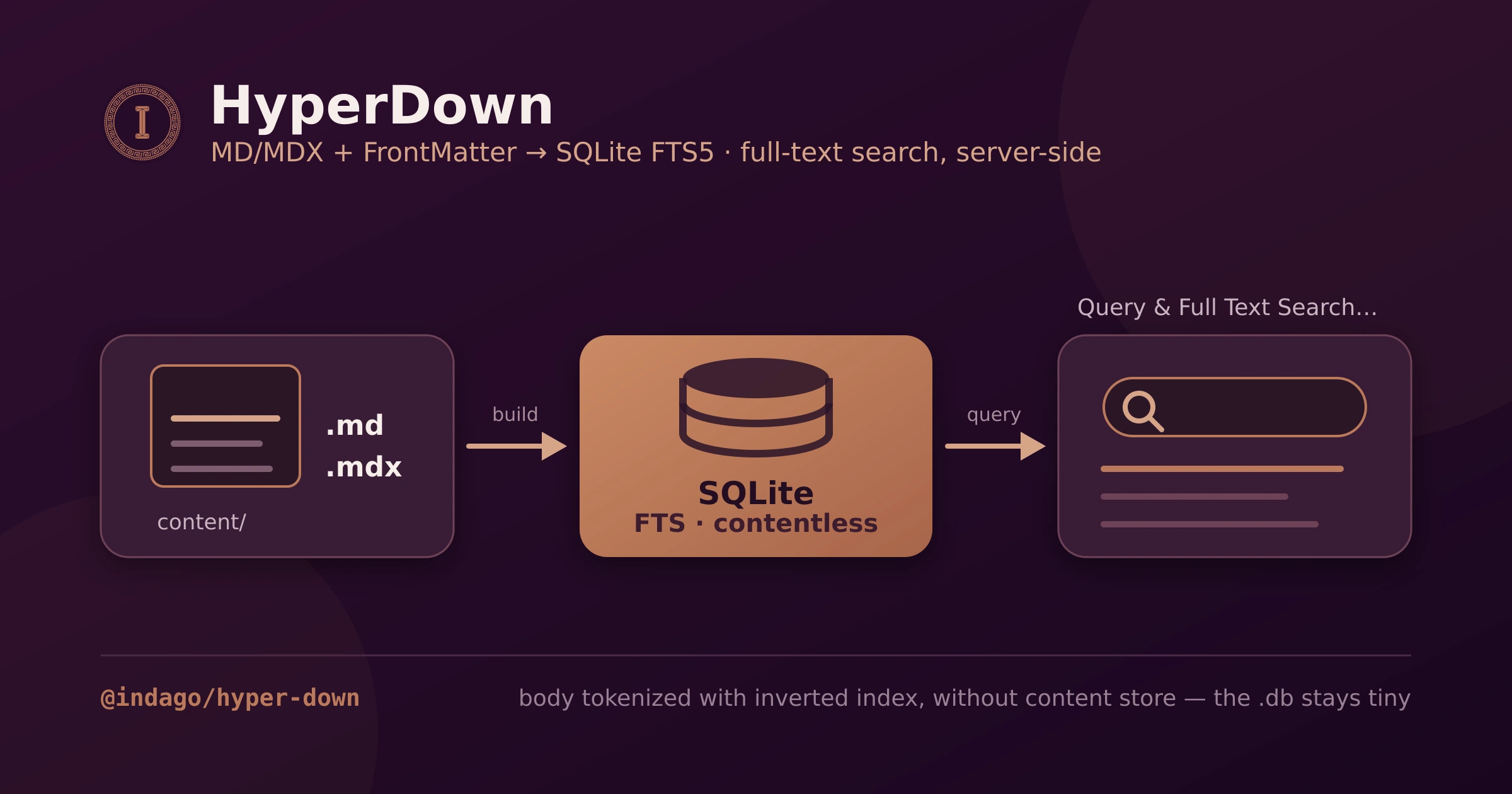
HyperDown owns Markdown/MDX prose. They share no
code; HyperJson has no dependency on frontmatter at all.
The problem it solves
Hand-maintained JSON content rots. A typo in a key, a missing field, a string where a
number belongs — none of it surfaces until something breaks at runtime. And consuming
that JSON from TypeScript means either hand-writing interfaces that drift out of sync,
or casting to
any and losing every guarantee. HyperJson closes both gaps with the
schema as the single source of truth: invalid content fails the build, and valid
content arrives already typed.Why HyperJson?
If your site renders any structured data — a projects list, a skills matrix, playlists, photo
albums — HyperJson makes that data trustworthy and typed for the price of one schema file:
- Invalid content can't ship. Ajv validates every file in
strictmode onbuildStart; one wrong type or stray key exits the build non-zero. Your CI is your CMS. - Types you never write or maintain. The schema generates the TypeScript, so
import data from "@content/projects/en/projects.json"is fully typed with zero casting — and it can't drift, because there is nothing hand-written to drift. - No backend, no runtime. Validation and codegen run at build time; what ships is plain typed JSON imports — nothing to deploy, nothing to call, nothing to pay for.
- Headless hooks, your UI.
useFilter,useSearch,useSort,usePaginate, anduseComposedshape the data in React without imposing a single component. - Schema-driven by agents. A bundled MCP server lets Claude Code or opencode create a content type and fill its data files, schema-checked at every step.
It does exactly one job — turn JSON Schema into trustworthy, typed content — and gets out of
your way. Here is how.
Architecture: validate, generate, import
- Validation. Every
.jsonfile is checked against theschema.jsonsitting in its category folder, using Ajv (+ formats) instrictmode by default — unknown properties are rejected. WithfailOnError(the default), a single invalid file exits the build non-zero. The scan covers locale subfolders (en/,pt-BR/) and JSON files at the category root. - Codegen.
HyperJsonCodegencompiles each schema through the in-processjson-schema-to-typescriptAPI — no subprocess per schema — inside a bounded parallel pool. The concurrency resolves in priority order: explicit option →HYPERJSON_CONCURRENCYenv var →cpus - 1(so a build stays responsive). It writes only into the consuming app's.hyper-json/tree, never into the installed package. Ambient module declarations are emitted last, after all per-schema types settle, because they aggregate every content file. - Typed imports. The generated
declare moduleblocks are keyed off your@content/*path alias (read fromtsconfig.json#paths), soimport data from "@content/music/en/playlists.json"yields a fully-typed value with zero casting. Each schema'stitlebecomes the generated type name.
The Vite plugin (
hyperjsonValidationPlugin, from @indago/hyper-json/plugins) runs
validation + codegen on buildStart and also serves virtual:hyperjson-config —
the parsed hyperjson.config.json as a default export, available in dev and build.On top of that sits a small headless hooks layer (
@indago/hyper-json/hooks) for
shaping the in-memory data in React: useFilter, useSearch, useSort, usePaginate,
and useComposed (filter → search → sort → paginate in one call). All pure,
useMemo-backed, no UI imposed:const { paginated } = useComposed(playlists, {
filters: [{ key: "genre", value: selectedGenre }], // "All"/undefined ⇒ skipped
searchQuery,
searchFields: ["title", "artist"],
sort: { key: "title", dir: "asc" },
page,
perPage: 12,
});
Content layout: what you write, what gets generated
Each content category is a folder with a
schema.json and per-locale data files.
New data files start as { "<wrapper>": [] } — the wrapper property (default items)
is the top-level array the schema describes:my-app/
├── content/
│ └── projects/
│ ├── schema.json JSON Schema — the single source of truth
│ ├── en/projects.json
│ └── pt-BR/projects.json
├── .hyper-json/ generated — DO NOT EDIT
│ └── content/
│ ├── projects/types.ts type generated from schema.title
│ └── generated.d.ts ambient @content/**/*.json declarations
├── hyperjson.config.json contentDir + validation flags
└── tsconfig.json paths: { "@content/*": ["./content/*"] }
The config is deliberately small —
contentDir is the only required field:{
"$schema": "./node_modules/@indago/hyper-json/schemas/hyperjson.config.schema.json",
"contentDir": "content",
"validation": { "strict": true, "failOnError": true },
}
The CLI
| Command | Purpose |
|---|---|
init | Scaffold a default hyperjson.config.json. |
validate [target] | Validate config and/or every content file (both). |
generate (alias gen) | Generate types + ambient declarations from the schemas. |
create-content-type | Scaffold a schema.json + empty per-locale data files. |
bunx @indago/hyper-json init

# Semicolon-separated fields; third segment `required` marks a field required
bunx @indago/hyper-json create-content-type \
  --name projects \
  --locales "en,pt-BR" \
  --fields "id:string:required;name:string:required;url:string"

# CI gate — exits non-zero when any file fails
bunx @indago/hyper-json validate

# Regenerate types (bound the pool if you need to)
HYPERJSON_CONCURRENCY=2 bunx @indago/hyper-json generate
Field types:
string, number, integer, boolean, string[], enum, and date
(a string constrained to YYYY-MM-DD).The MCP server: agents as first-class authors
hyperjson-mcp is a stdio MCP server that wraps the same CLI as tools:
hyperjson_init, hyperjson_validate, hyperjson_generate, and
hyperjson_create_content_type. The creation tool requires name + fields —
interactive prompts are disabled under MCP.Claude Code — add it to the project's
.mcp.json (or run
claude mcp add hyperjson -- bunx --package @indago/hyper-json hyperjson-mcp):{
"mcpServers": {
"hyperjson": { "command": "bunx", "args": ["hyperjson-mcp"] }
}
}
opencode — declare it as a local server in
opencode.json:{
"$schema": "https://opencode.ai/config.json",
"mcp": {
"hyperjson": { "type": "local", "command": ["bunx", "hyperjson-mcp"], "enabled": true }
}
}
With either client, an agent can create a content type, fill its data files, and
validate them — schema-checked at every step.
The .agents/ pack
The npm package bundles a
.agents/ tree for AI agents operating HyperJson in your
repo — rules (constraints) and skills (task recipes):rules/architecture.md— validation, codegen, virtual config, hooks.rules/configuration.md—hyperjson.config.json+schema.jsonshapes.rules/checks.md— mandatory checks and do-not-edit (generated) files.skills/cli.md,skills/add-content-type.md,skills/change-schema.md— how to add a type and how to evolve an existing schema safely.
Point your
AGENTS.md/CLAUDE.md at
node_modules/@indago/hyper-json/.agents/README.md and the agent inherits the manual.How it is tested
- The engine itself runs
bun testover validation, codegen, and the hooks. - Every generated app asserts the projects collection in its Vitest
content-integrity test (the JSON parses, the wrapper array is non-empty, fields are
typed) and exercises
/projectsin the shared Playwright e2e suite. - The scaffold harness (
bun run test:templates) packs the engine as a tarball, scaffolds all four templates, and runs build + typecheck + unit + e2e against each — so an invalid schema or a codegen regression fails four ways before it ships.
The scaffolds: four frameworks, one contract
bun create @indago/app wires HyperJson (together with HyperDown) into Vike,
React Router v7, TanStack Start, or Next.js — same routes, same tests, same
content tree in all four:| Capability | Vike | React Router v7 | TanStack Start | Next.js |
|---|---|---|---|---|
| Bundler | Vite | Vite | Vite | Webpack |
| Server data | +data loaders | route loader | createServerFn | Server Components |
| Prod server | Hono | react-router-serve | srvx | next start |
Here is the notable part: those differences barely touch HyperJson. Typed JSON imports
and the headless hooks work identically everywhere — it is HyperDown's MDX loading that
needs per-framework adapters. A schema you write for the Vike template moves to the
Next.js one unchanged.
Start building in minutes
Scaffold a full app already wired to HyperJson (and HyperDown) in one command:
bun create @indago/app
Or add it to an app you already have:
bunx @indago/hyper-json init
bunx @indago/hyper-json create-content-type --name projects --locales "en,pt-BR" \
  --fields "id:string:required;name:string:required;url:string"
bunx @indago/hyper-json generate     # types from your schemas
That is the whole story. HyperJson deliberately does one thing — take JSON Schema and make
your JSON content trustworthy and typed, with validation that gates the build, types that
never drift, and hooks that stay headless — which is exactly what keeps it a drop-in for any
Vite + TypeScript project. All Markdown concerns live in its sibling
HyperDown.
The source is on GitHub — hand it a schema and let it
do the rest.